Help & FAQ
Remote access
- Dial Access to URSUS
- Dial access to URSUS through the UMS Modem groups
- Access to URSUS through the Internet (Telnet protocol)
- Access to Mariner via the Internet?
- What web browser works best with URSUS?
- What alternatives are available for users with incompatible browsers?
- Access restrictions to databases
- How come links to articles, which I have carefully copied into my course web, course management system, or web browser, suddenly don't work?
You can dial into URSUS from your home or office. To do this you will need:
- a VT-100 terminal or a microcomputer that can emulate VT-100
- a modem set at 1200 baud rate or higher, 8 data bits, 1 stop bit, no parity, xon.xoff
- an analog telephone line
- a local telephone number
- At the login prompt, type ursus (lower case).
- Type v (to confirm VT100 terminal type).
- To log off, return to the opening menu and type L.
Dial access to URSUS through the UMS campus modem groups
CAPS maintains remote access dial-in modem groups that provide a connection to a terminal server.Through the terminal server you can connect to URSUS, or any computer system on the UMS network. For remote access group locations, phone numbers and parameters: URL: http://www.unet.maine.edu/noc. Once you have connected to the terminal server, select the URSUS system.
- At the login prompt, type ursus (lower case).
- Type v (to confirm VT100 terminal type)
- To log off, return to the opening menu and type L.
Connect to URSUS via TelnetConnect to URSUS via Telnet
This option is available to anyone with a workstation connected to the Internet. It is also available via PC/modem connection to commercial services such as Compuserve.
- Telnet to: ursus.maine.edu
- At the login prompt, type ursus (lower case).
- Type v (to confirm VT100 terminal type)
- To log off, return to the opening menu and type L.
Access to the Mariner Gateway via the Internet
This option is available to anyone using a web browser such as Netscape or Internet Explorer. URL: http://libraries.maine.edu/mariner/
What web browser works best with URSUS
The URSUS Web catalog works best with MS Internet Explorer 5.0+
Other browsers such as Netscape, Opera, Web TV and the AOL web browser may not be relied on to perform consistently with certain URSUS functions, such as online requesting.
What alternatives are available for users with incompatible browsers?What alternatives are available for users with incompatible browsers?
Windows based computers should come pre-installed with Internet Explorer. Both Internet Explorer and Netscape browsers can be upgraded for free. AOL users should contact their AOL provider for more information. Also see the browser configuration guide to properly set your browser.
You may also connect to the text version of the URSUS catalog through a telnet session
Access Restrictions to Databases
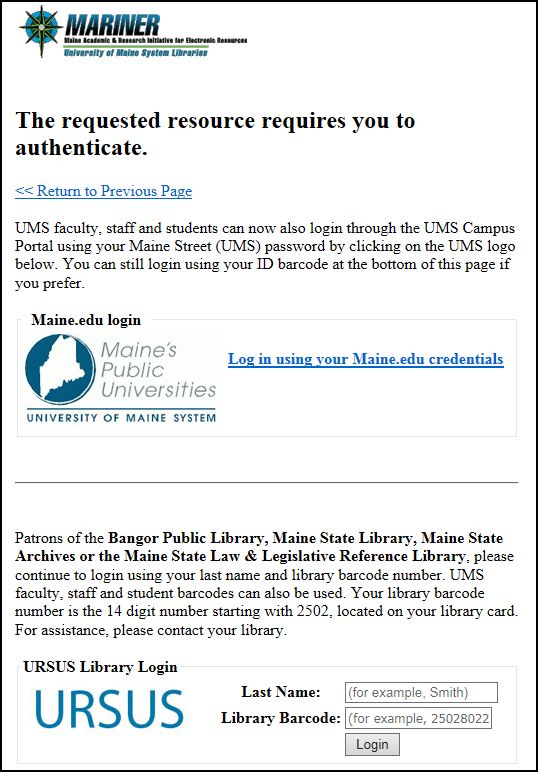
Access to some of the databases is limited to students, faculty, and staff of participating URSUS libraries which have paid the licensing fee.
For more information on remote access please see Frequently Asked Questions About Licenced Databases.
How come links to articles, which I have carefully copied into my course web, course management system, or web browser, suddenly don't work?
See Creating Persistent Links to Library Resources for more information.